
Learn Popp Farm
Step-by-step guides, answers to common questions and what’s new. Inside the app, the Help centre has an article for every page and setting.
Guides
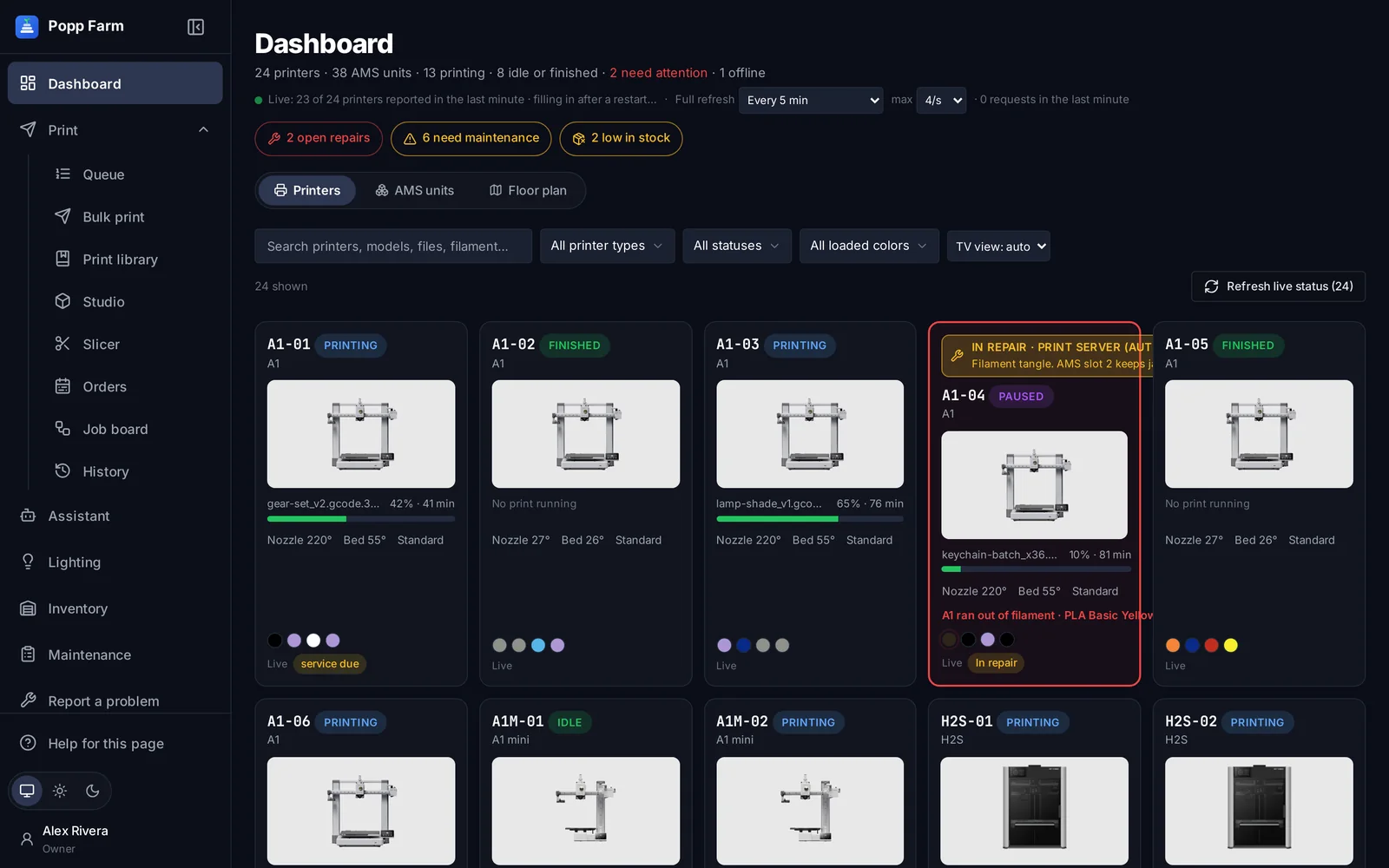
Getting started with Popp Farm
Create your workspace, connect your Bambu Lab account, invite your team and send your first plate.
Read the guide →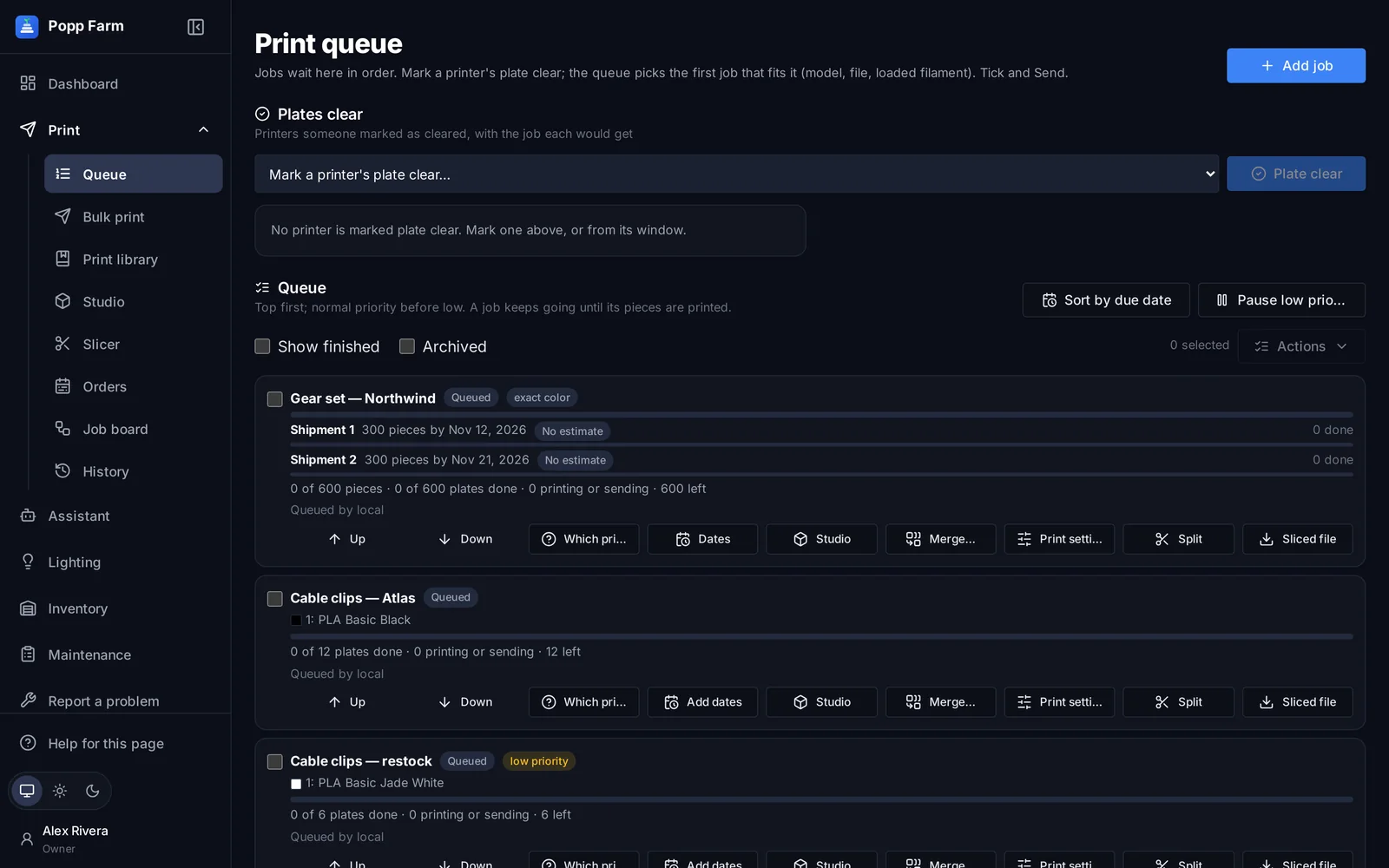
Keep every printer busy with the Smart Queue
Add jobs once, let the queue match them to printers with the right colors, and send the next plate the moment one comes off.
Read the guide →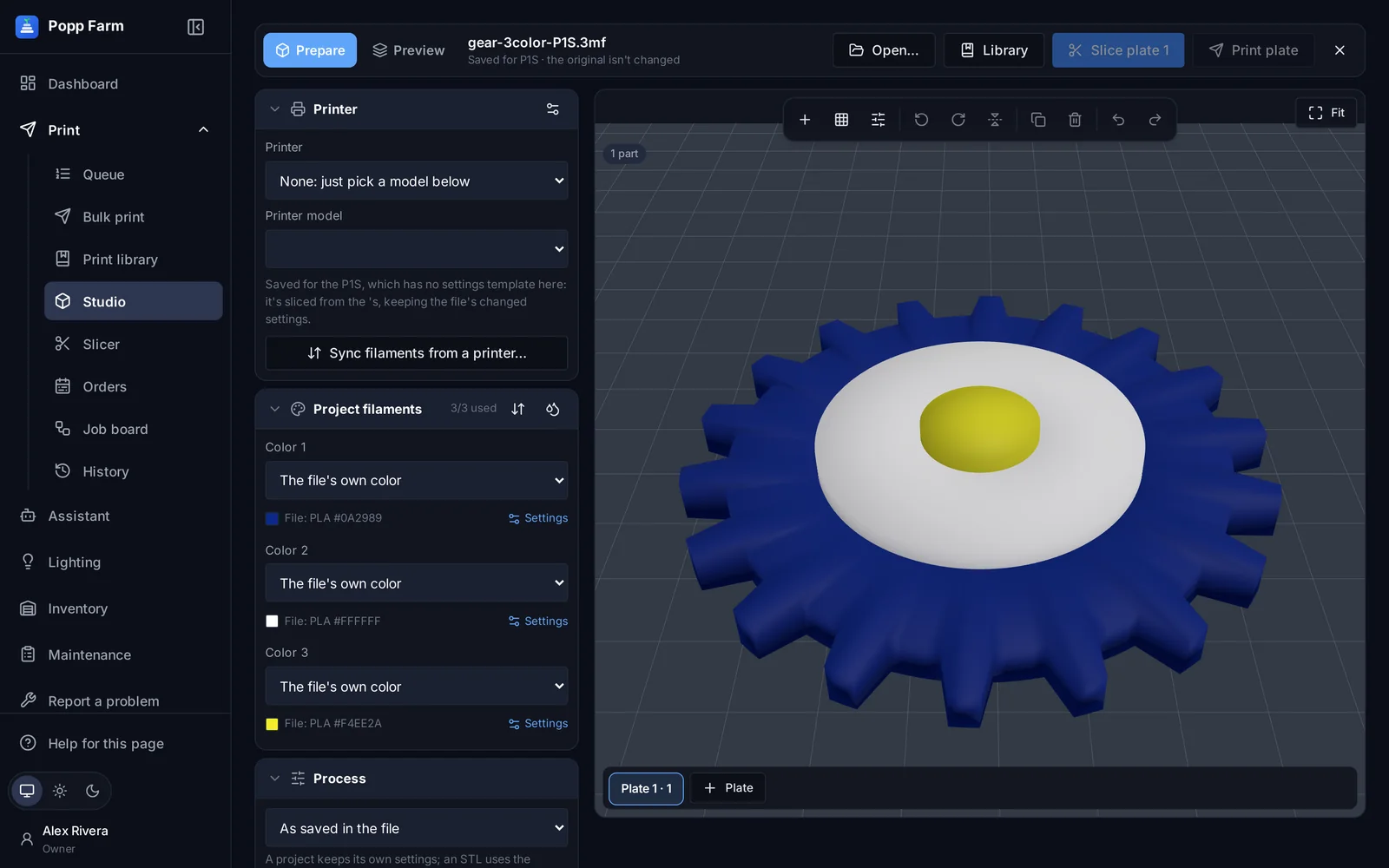
Multi-color printing across a mixed fleet
Color single parts in Studio, map every color to an AMS slot, and slice the same project for any Bambu Lab model.
Read the guide →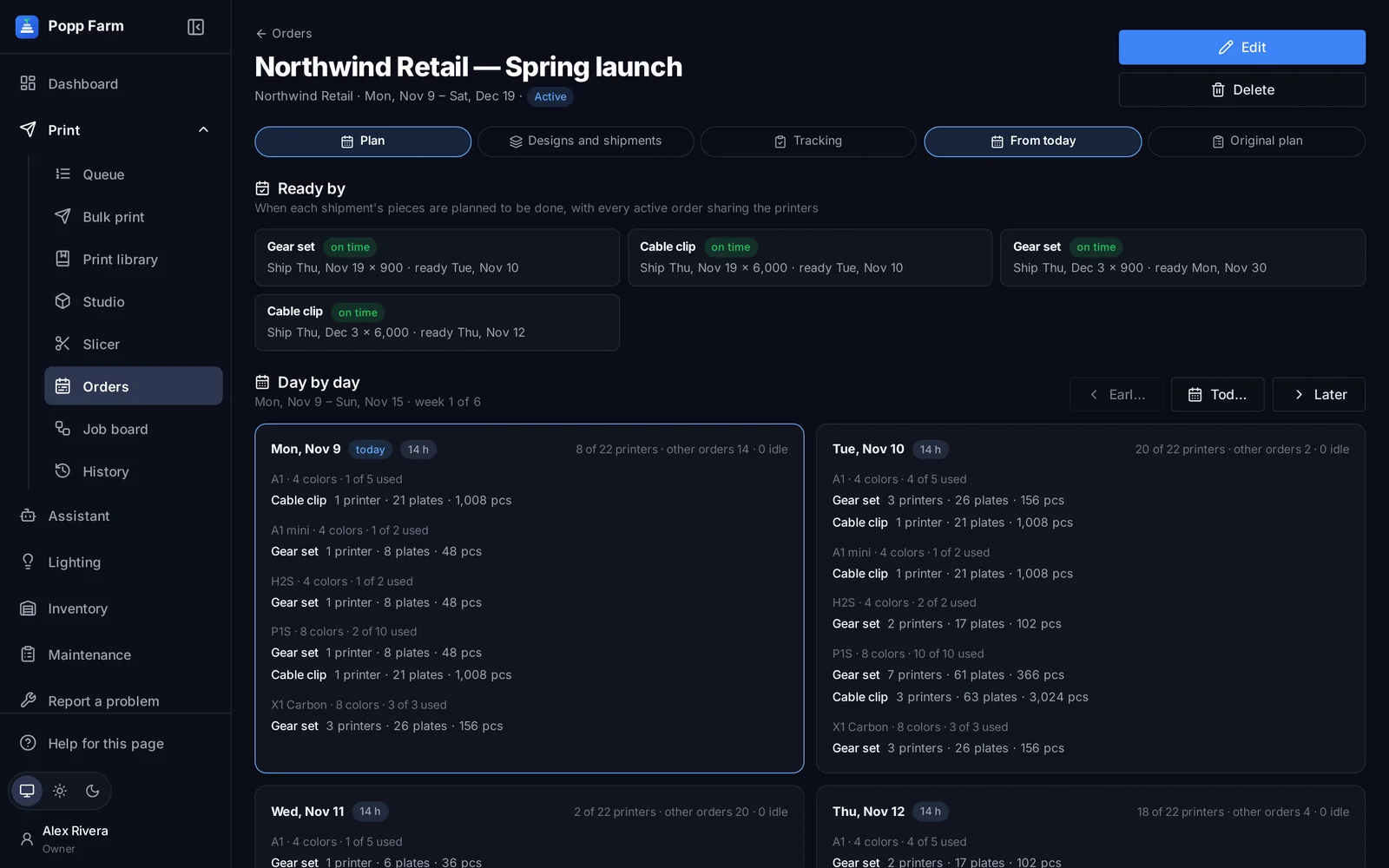
Plan a big order across the fleet
Turn an order with ship dates into a day-by-day printer plan, then feed the queue from it.
Read the guide →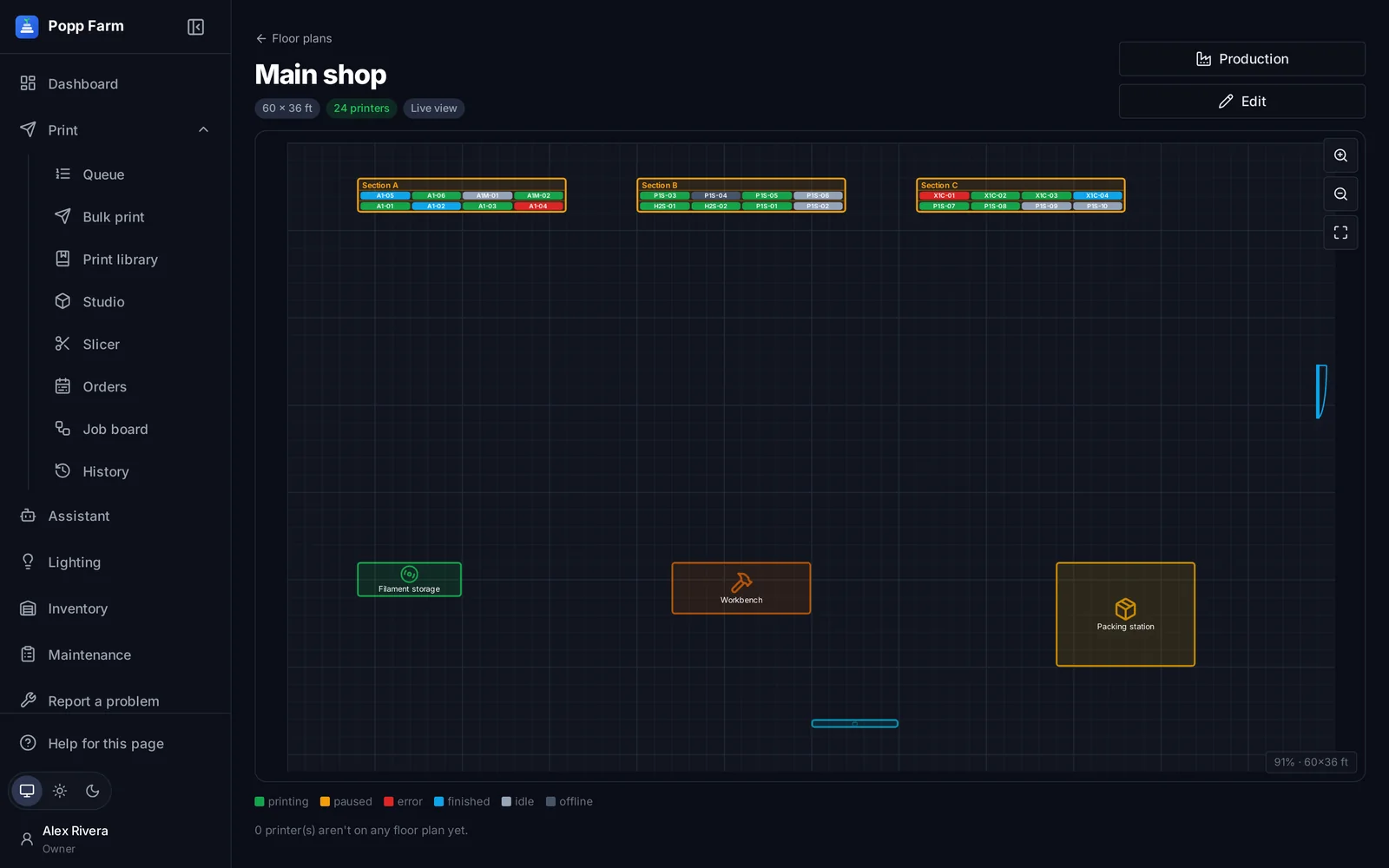
Map your floor and light your shelves
Record where every printer stands, then let WLED shelf lights show each printer’s state from across the room.
Read the guide →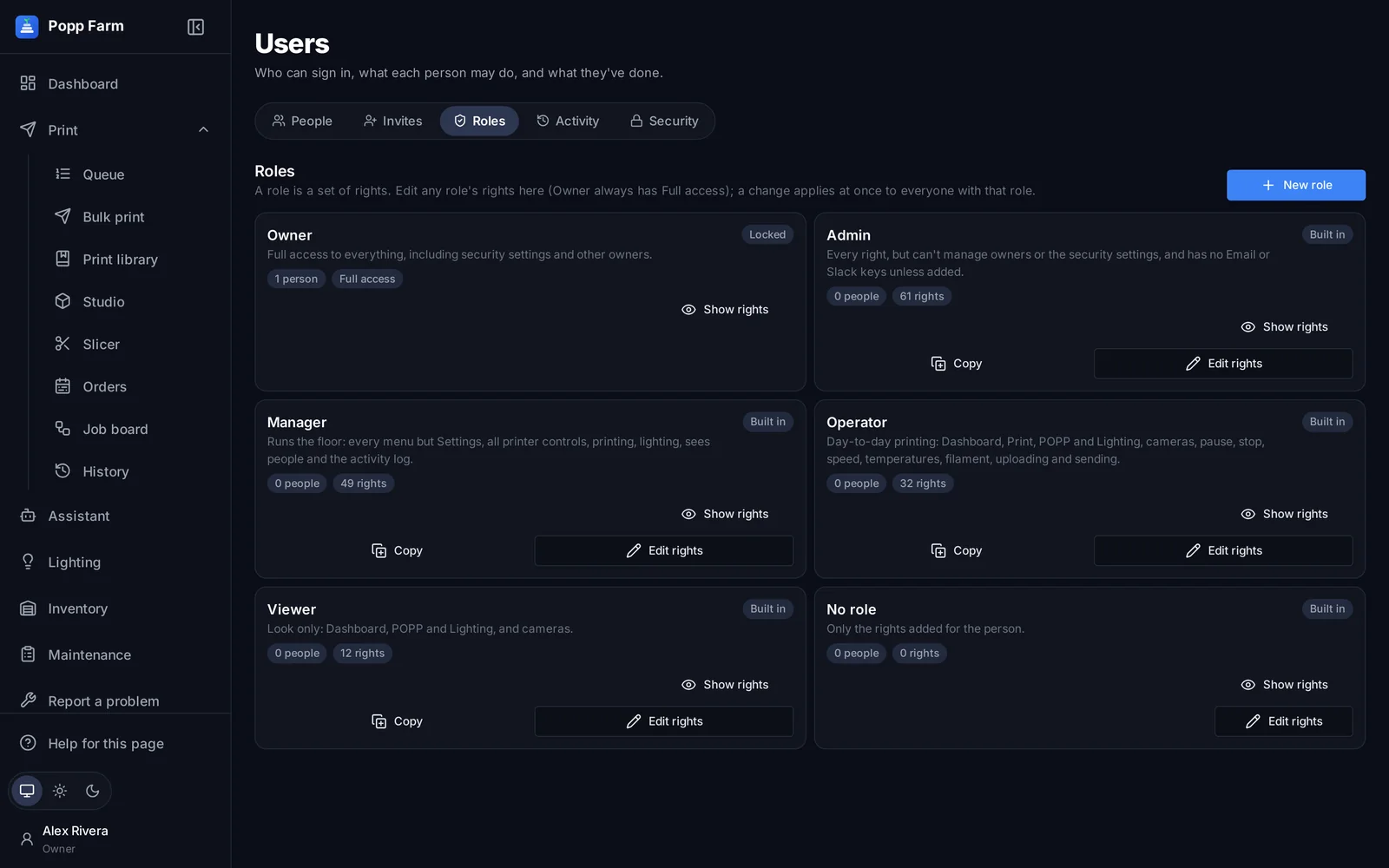
Roles, rights and two-step sign-in
Give each person exactly the access they need, and see who did what.
Read the guide →The Help centre
Every page, button and setting in Popp Farm has its own article, one click away from the screen it explains. Open Help from the menu after you sign in.
Sign in →Talk to a person
Questions before you start, help moving from another tool, or a demo for your team.
Contact us →Put your whole farm on one screen
Start free with up to 3 printers, or try any paid plan free for 14 days. Connect your Bambu Lab account and your printers appear in minutes.
No install · No LAN setup · Nothing prints until a person says the plate is clear