
A real slicer, in any browser
Studio opens a project, shows its plates in 3D and lets you arrange parts, pick any Bambu Lab printer, colors and every Bambu Studio setting. Then it slices with Bambu Lab’s own engine and previews every layer.
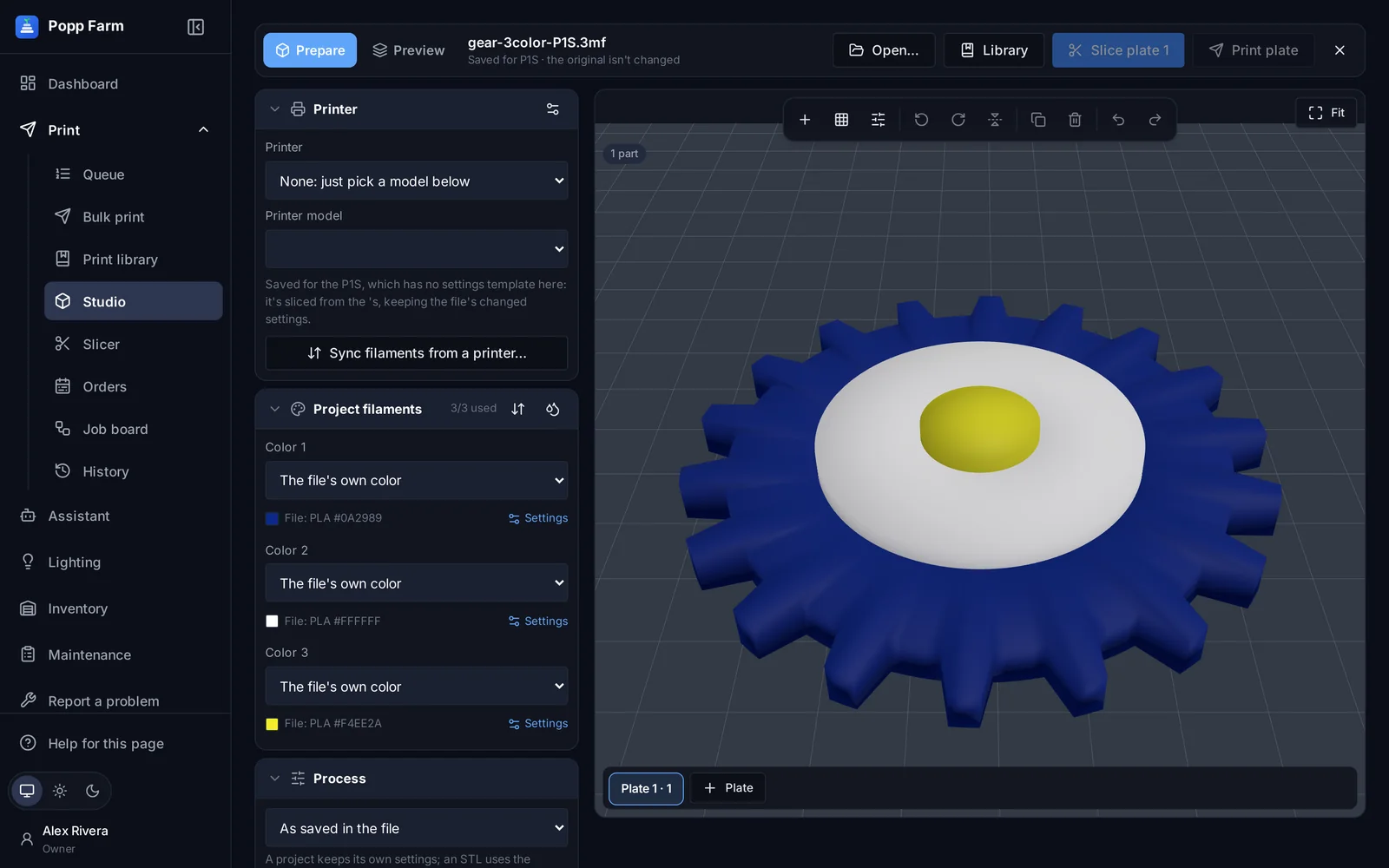
Bambu Lab’s settings, all of them
Process, filament and printer tabs come from Bambu Studio’s own source for the release we slice with.
Arrange like the desktop
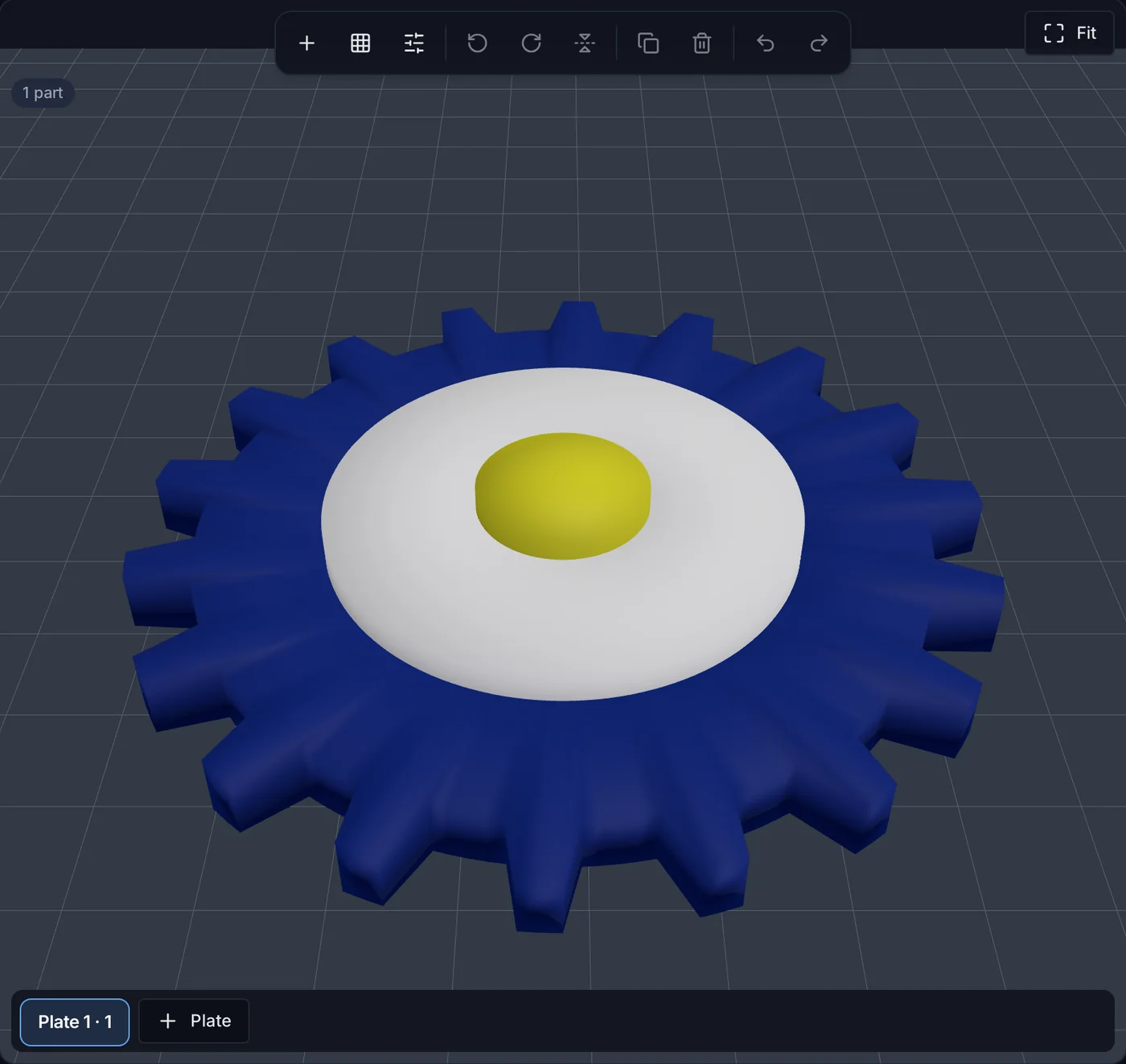
Move, turn, size, copy, lay flat, arrange by real outline, spread across plates, color single parts.
Every Bambu Lab printer
Slice for any model, from the A1 mini to the H2D and X2D.
How it works
Open
From your computer, the library, an order design or a queue job. Studio works on a copy; the original never changes.
Prepare
Pick a printer from your farm to use its loaded AMS slots, arrange plates and change any setting.
Slice and use it
Preview every layer, then print, add it to the queue or an order, save it to the library or download it.
Prepare
Edit any setting for the plate, one object or a height range. Add a pause, a filament change or custom G-code at a layer. Set purge volumes, or sync filaments from a printer’s AMS.
Your printers
Pick a farm printer; its AMS slots become the project’s colors.
Color single parts
Select an object’s parts and color them one by one.
Plates and Arrange
By real outline, with spacing and turning to fit.
Settings at any scope
Plate, object or a band of its height.
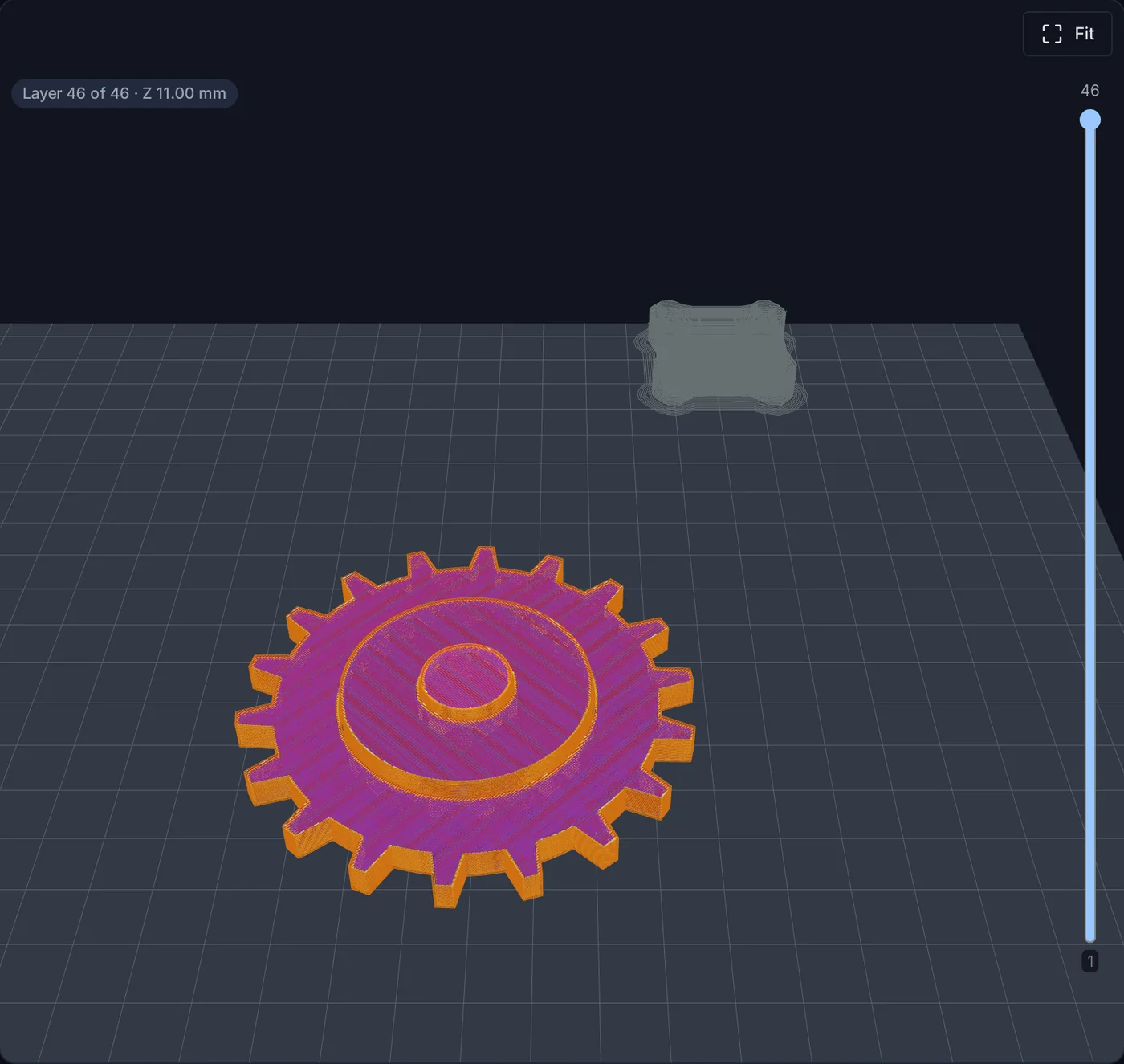
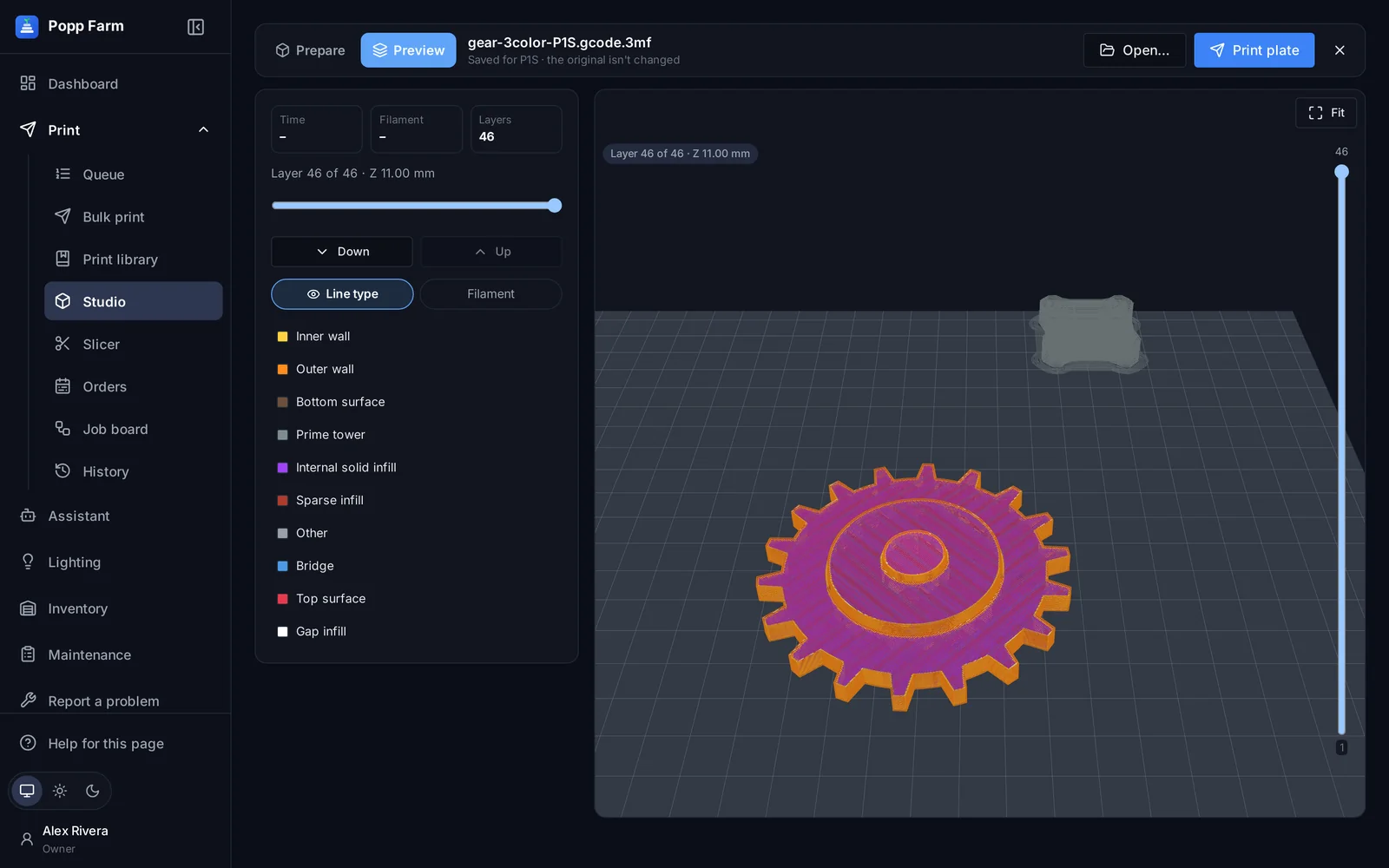
Preview every layer
Step through the toolpaths, colored by line type or filament, with print time, grams per color, filament changes and purge.
Start where you left off
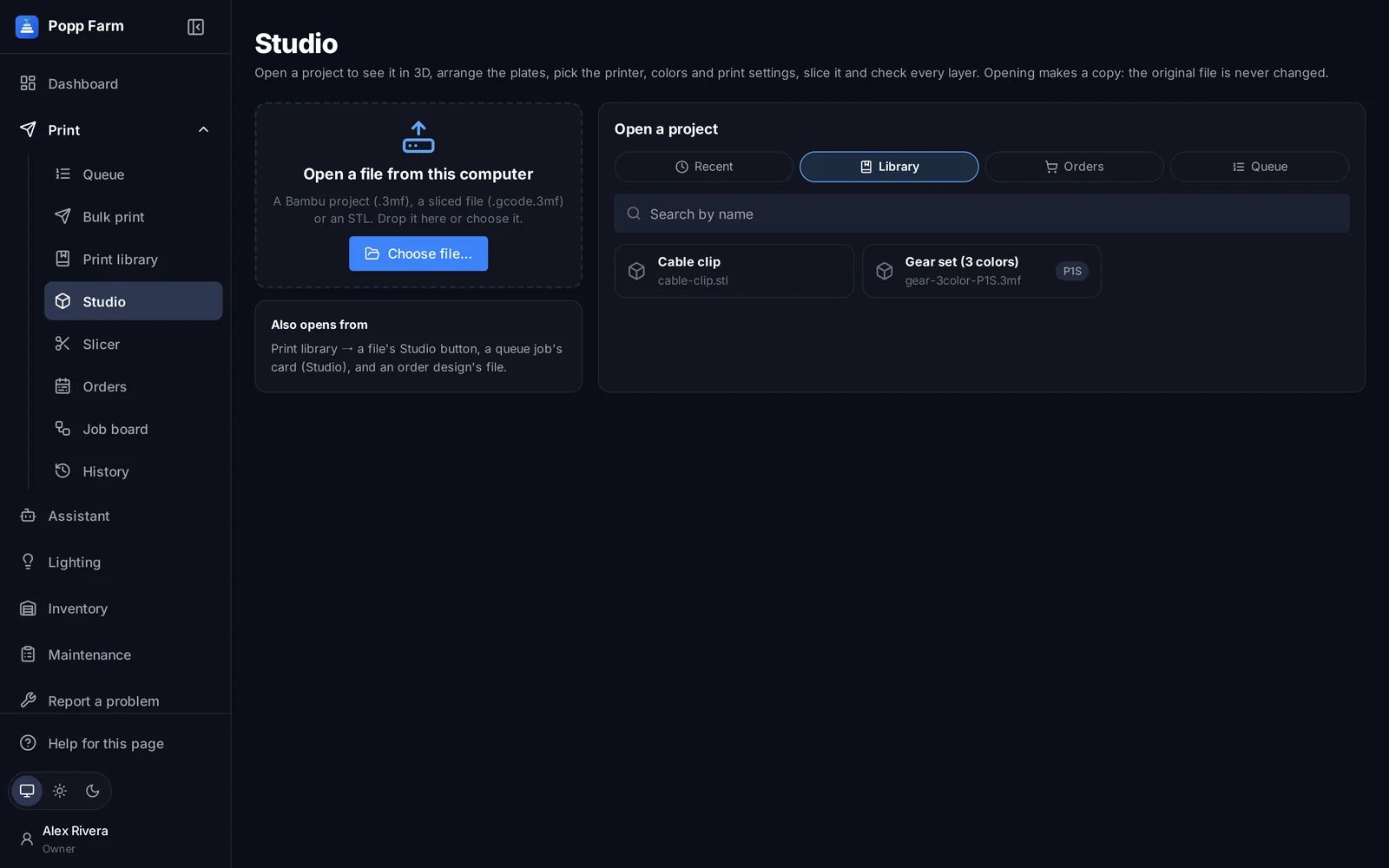
Studio opens on a home page with recent projects, your library, orders and the queue.
One slicer for the whole farm
Print settings live in one place: a Bambu Lab preset plus your changes. Bulk print, library items, queue jobs and order designs each pick their print settings, every slice is logged with its file, and identical slices are reused.
- Pinned, regression-tested Bambu Studio engine
- Each slice checked for the colors it needs
- A log and the sliced file for every slice
What studio and cloud slicer can do
3D plates in the browser
Move, turn, size, copy, delete, lay flat.
Arrange by real outline
With spacing and turning to fit.
Every Bambu Studio setting
Process, filament and printer tabs.
Per object and height range
Settings at any scope.
Pauses and color changes
Or custom G-code at any layer.
Sync from a printer’s AMS
Its loaded slots become the project’s colors.
Layer preview
Line types, filaments, time and grams.
Print settings profiles
Used by bulk print, the library, queue and orders.
Never changes the original
Every save is a new copy.
Which slicing engine do you use?
Bambu Lab’s own Bambu Studio engine, pinned to a tested release. New releases are checked against a regression suite before we switch.
Do I need Bambu Studio installed?
No. Studio runs in the browser and slicing happens on the server.
Works well with
Put your whole farm on one screen
Start free with up to 3 printers, or try any paid plan free for 14 days. Connect your Bambu Lab account and your printers appear in minutes.
No install · No LAN setup · Nothing prints until a person says the plate is clear