
Roles, rights and two-step sign-in
Give each person exactly the access they need, and see who did what.
-
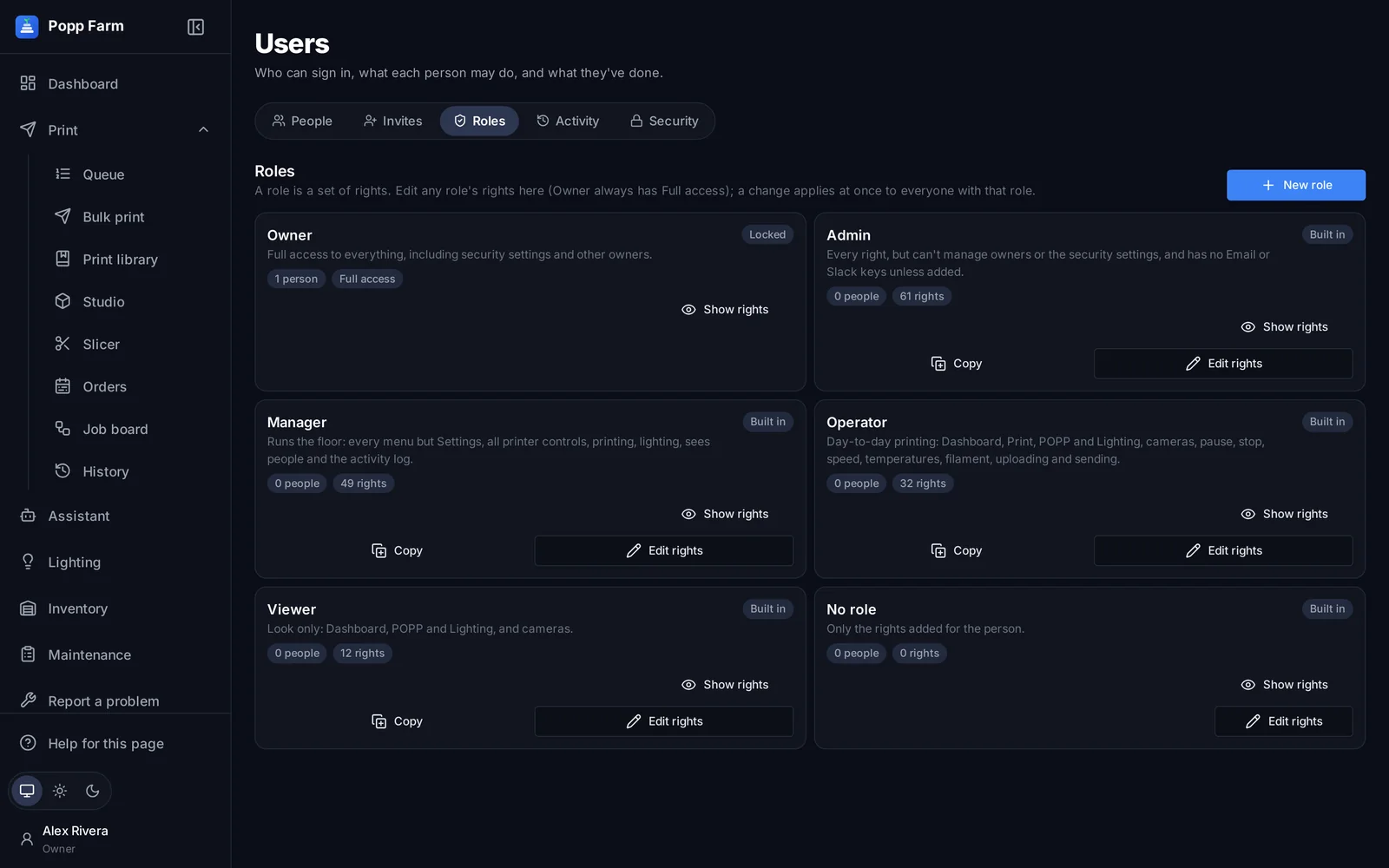
Pick a role
Owner, Admin, Manager, Operator and Viewer cover most teams. Custom roles can be built from the same rights.
-
Fine-tune with single rights
Every menu and feature has its own right. Add one to an Operator who runs maintenance, or remove Send from a trainee.
-
Protect sign-in
Two-step sign-in, signed-in devices, optional end dates for temporary staff, and app tokens for integrations.
-
Check the activity log
Every sign-in, send, change and control is recorded with who, when and from where.
Every screen in this guide has a full article in the Help centre inside Popp Farm.
More guides
Getting started with Popp Farm
Create your workspace, connect your Bambu Lab account, invite your team and send your first plate.
Read →Keep every printer busy with the Smart Queue
Add jobs once, let the queue match them to printers with the right colors, and send the next plate the moment one comes off.
Read →Multi-color printing across a mixed fleet
Color single parts in Studio, map every color to an AMS slot, and slice the same project for any Bambu Lab model.
Read →Put your whole farm on one screen
Start free with up to 3 printers, or try any paid plan free for 14 days. Connect your Bambu Lab account and your printers appear in minutes.
No install · No LAN setup · Nothing prints until a person says the plate is clear